Video Interview Prep in 2026: How to Nail Zoom & Google Meet Coding Rounds (Without Sounding Like a Script)
Remote interviews haven’t gotten easier—they’ve gotten tighter. More companies are running high-signal coding rounds on Zoom or Google Meet, expecting you to communicate clearly, reason in real time, and ship correct code under a clock. Meanwhile, distractions are everywhere (notifications, flaky Wi‑Fi, surprise screen-share prompts), and interviewers are increasingly tuned to “over-rehearsed” answers.
If you’re preparing for technical interviews right now, the goal isn’t to memorize more solutions. It’s to build a repeatable system for calm thinking + crisp communication during live rounds—especially when you’re coding on HackerRank or LeetCode while talking on video.
This guide gives you a practical checklist for Zoom and Google Meet coding interviews, plus a modern way to reduce mental load: an invisible real-time interview assistant designed for interviews—SikaAI.
Why Zoom & Google Meet coding rounds feel harder than onsite interviews
On video, small issues compound:
- Latency makes interruptions awkward, so candidates talk less—then get labeled “not communicative.”
- Context switching (IDE ↔ browser ↔ call) increases mistakes, even when you know the algorithm.
- Silence anxiety pushes you to code too fast instead of thinking out loud.
- Tooling friction (HackerRank editor quirks, sharing the wrong window, permissions) steals minutes.
The best candidates don’t just “know DSA.” They run a process that keeps them coherent under these constraints.
The 12-minute warm-up that improves almost every technical interview
Do this before every live coding session—practice and real interviews alike:
- 2 minutes: Close everything non-essential. Turn on Do Not Disturb. Disable noisy notifications.
- 2 minutes: Open only what you’ll use: video call + coding platform + notes (if allowed).
- 3 minutes: Say your “problem-solving script” out loud once (see below). This primes your voice and pacing.
- 3 minutes: Solve a tiny problem (e.g., two-sum) focusing on narration, not speed.
- 2 minutes: Check audio levels, screen share permissions, and confirm you can switch windows cleanly.
Your problem-solving script (use this verbatim)
When the question drops, your first 60–90 seconds should sound like this:
“Let me restate the problem and confirm inputs/outputs. Then I’ll outline a straightforward approach, discuss complexity, and implement. After that I’ll test with edge cases.”
This buys you time, signals structure, and reduces the chance you sprint into the wrong solution.
Zoom interview tips for coding rounds (quick wins)
- Pin your interviewer so you’re not distracted by your own video tile while coding.
- Share a single window (the editor) rather than the whole screen to avoid accidental tab reveals.
- Use “Hide floating meeting controls” if they block your code or test output.
- Keep a backup audio path: phone dial-in ready, just in case your mic drops mid-round.
Google Meet interview tips for coding rounds
- Pre-authorize screen share so you’re not hunting for permissions when time matters.
- Turn on captions if you benefit from them (useful with accents or poor audio), but confirm they don’t cover key UI elements.
- Check browser performance: Meet + an online editor can spike CPU. Close heavy tabs and extensions.
- Have a clean window-switch routine so you can narrate while moving between prompt, code, and output.
Technical interview tips that actually move the needle
1) Optimize for “clarity per minute,” not speed
Most interviewers are evaluating: can you reason, communicate tradeoffs, and recover from mistakes. A slower, well-explained solution often beats a faster, shaky one.
2) Ask two questions before you code
- Constraints: “What are typical input sizes? Any memory limits?”
- Edge cases: “Can inputs be empty? Negative? Duplicates? Already sorted?”
3) Narrate in checkpoints
Instead of talking constantly, talk at these moments:
- After restating the problem
- After selecting an approach
- Before implementation (“I’m going to write helper X…”)
- After implementation (walk through an example)
- When debugging (state hypothesis → test → result)
4) Use a reliable testing pattern
Even if the platform has tests, do your own quick mental/unit checks:
Test 1: smallest input
Test 2: typical case
Test 3: duplicates / ties
Test 4: extreme values
Test 5: adversarial pattern (sorted, reverse-sorted, all same)
Where most candidates struggle: real-time thinking under pressure
You can know the material and still blank when the interviewer says, “Okay—implement it.” That’s not a knowledge problem; it’s a working-memory problem.
In remote interviews, working memory gets eaten by:
- Keeping the prompt in your head while switching windows
- Remembering edge cases while implementing
- Explaining tradeoffs while debugging
- Managing time and interviewer cues
This is exactly where a purpose-built, invisible assistant can help you stay structured.
How SikaAI helps during Zoom, Google Meet, Teams, HackerRank, and LeetCode interviews
SikaAI is an invisible real-time interview assistant designed for coding and interview rounds across Zoom, Google Meet, Microsoft Teams, HackerRank, and LeetCode.
Instead of trying to memorize every pattern, you can use SikaAI to reinforce the fundamentals that interviewers reward:
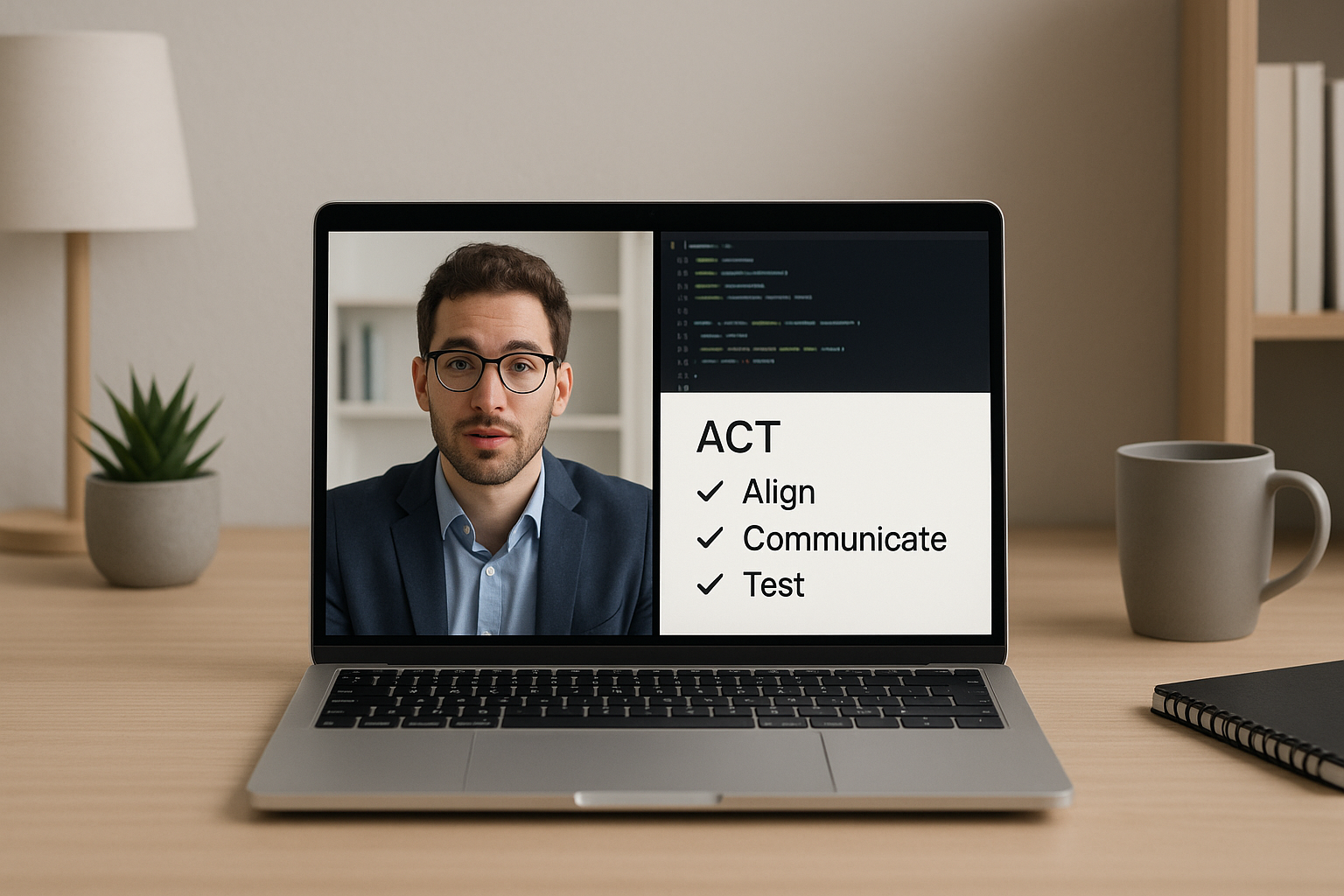
- Structured reasoning: prompts that keep you aligned to a step-by-step approach (clarify → plan → implement → test).
- Clear communication: phrasing help for explaining tradeoffs, complexity, and debugging decisions without sounding robotic.
- Fewer mental drops: reminders for edge cases, constraints, and common pitfalls while you code.
- Calmer execution: support when you feel stuck—so you can recover quickly and keep momentum.
The result: you sound like someone who has done this before—because your process stays consistent even when the question is unfamiliar.
A timely note: don’t let distractions derail your prep
If your feeds are full of whatever the internet is obsessing over this week—celebrity headlines, random sports debates, or the latest “everything is canceled” discourse—treat it like weather: interesting, but not mission-critical. Interview prep rewards boring consistency.
A simple cadence that works:
- 3 days/week: 1 timed LeetCode/HackerRank problem + post-solution review
- 2 days/week: mock interview (friend, platform, or self-recording on Zoom/Meet)
- 1 day/week: systems/design/behavioral story polish (STAR format)
Checklist: what to do in the first 5 minutes of the live interview
- Confirm audio/video and ask how they prefer you to share your screen.
- Repeat the problem in your own words.
- Ask constraints + edge cases.
- State a plan and complexity target.
- Implement in small chunks and test as you go.
Try SikaAI for your next interview
If you’re preparing for coding rounds on Zoom, Google Meet, Teams, HackerRank, or LeetCode and you want to stay sharp under pressure, SikaAI is built for exactly that: real-time, invisible support that helps you think, explain, and execute.
Get started here: https://sikaforyou.com